Enter text in multiple fields with espanso
I’ve started to use espanso on my computer to reduce some of my typing needed. One issue that bothered me is that espanso does not support sending tabs to the system. The tool supports tabs as text but sends them so that the system does not interpret them to move to the next text field.
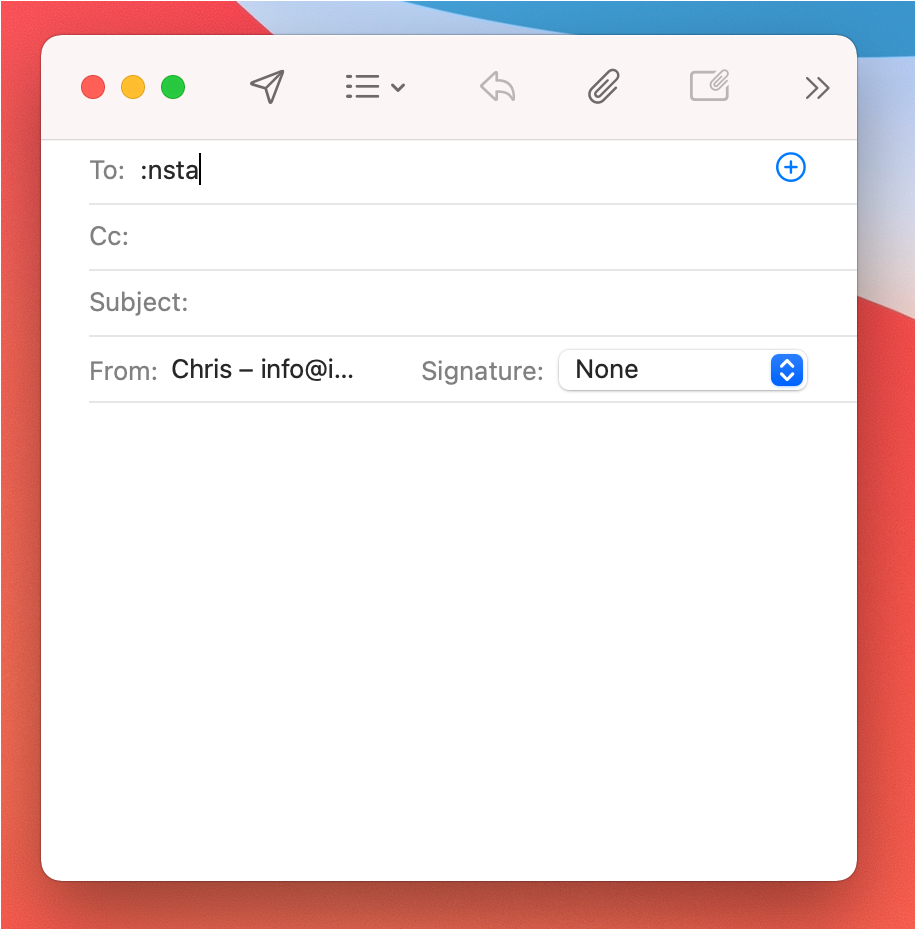
I have a use case where I wanted to add text to multiple fields with a single command. I often write emails to myself which need a particular word at the beginning of the subject. I constantly need to type my email address and then tab twice to get into the subject line in Apple Mail to start a new note. And I wanted to streamline this process with espanso, so I only need to write the unique token to start a new note email.
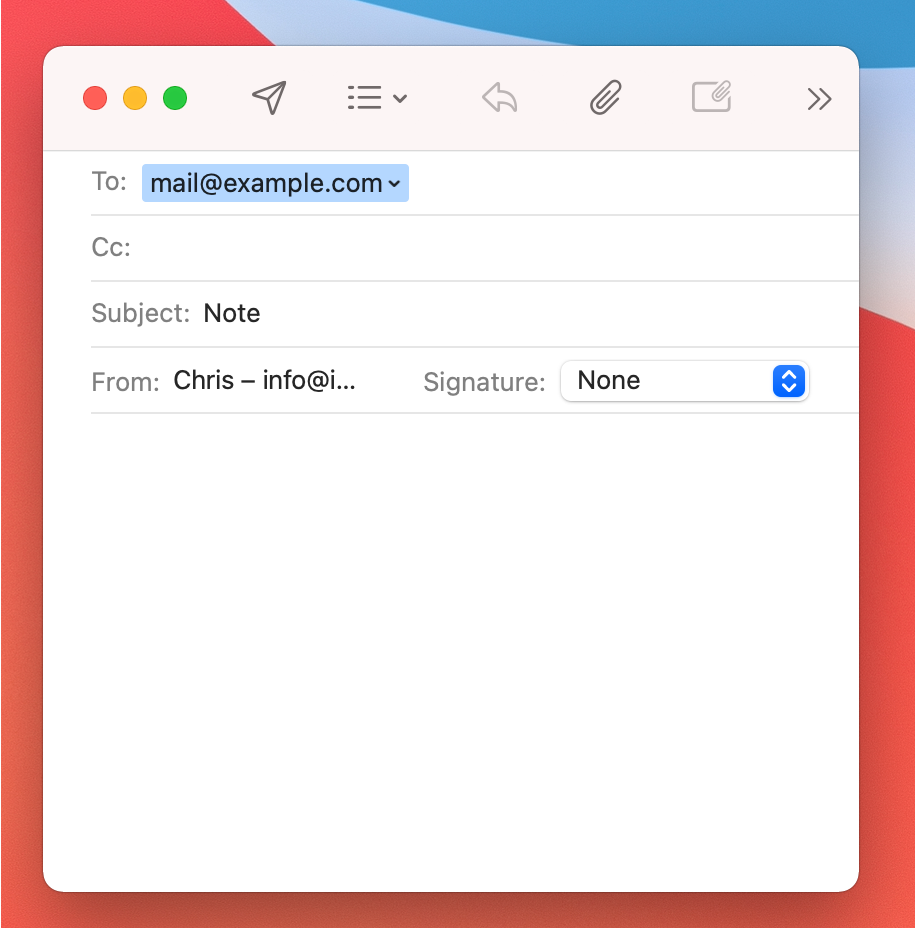
Today I found a solution to implement this feature myself with the constraints of espanso. The answer is to use AppleScript in combination with the osascript command-line utility and the particular Shell Extension from espanso.
The final espanso config I’ve come up with is:
 - trigger: ":nstart"
  replace: "{{output}}Note " # The final output we want needs to be written here!
  vars:
   - name: output
    type: shell
    params:
     cmd: |
        osascript -e 'tell application "System Events"' \
         -e 'keystroke (key code 0 using {shift down, control down}) -- send shift-ctrl-A needed to clear the start token' \
         -e 'keystroke "v@example.com"' \
         -e 'keystroke "\t" -- jump to the CC field' \
         -e 'keystroke "\t" -- jump to the subject field' \
         -e 'end tell'
In a nutshell, it uses AppleScript commands to send keystrokes to the system. As such, this command only makes sense within the Apple Mail application.
When using osascript with the -e option, you must give one line of your AppleScript per e-flag. Using the pipe symbol at the start of the (cmd: |), we instruct YAML to generate a multiline string that keeps our linebreaks intact. And we also don’t need to escape our double quotes in the script. But we escape the tab characters \t, mainly to make it more transparent that we write a tab character at this location.
The initial keystroke command of the script keystroke (key code 0 using {shift down, control down}) simulates pressing the keys ctrl-shift-a, which on the Mac jumps to the beginning of the line in most text fields, and due to the shift key will also highlight any content in the field. This is needed to delete the espanso trigger word (nstart). As we move the cursor out of the initial field, espanso cannot do this automatically.
Due to how espanso works – you need to have a replacement value – the last string you want to have written must come at the end of the replace command ({{output}}Note ), after the variable (output) is evaluated and added. Also, note that our script does not have a return value. So the output variable will be empty, and only the string “Note " is written out.
Comments
How to respond
Write your comment on your on page and link it to this page with the following link:
https://vmac.ch/posts/2023-03-05-espando-tabbing/
Then insert the permalink to your post into the form below and submit it.
Alternatively you can reach me by email to: comment@vmac.ch