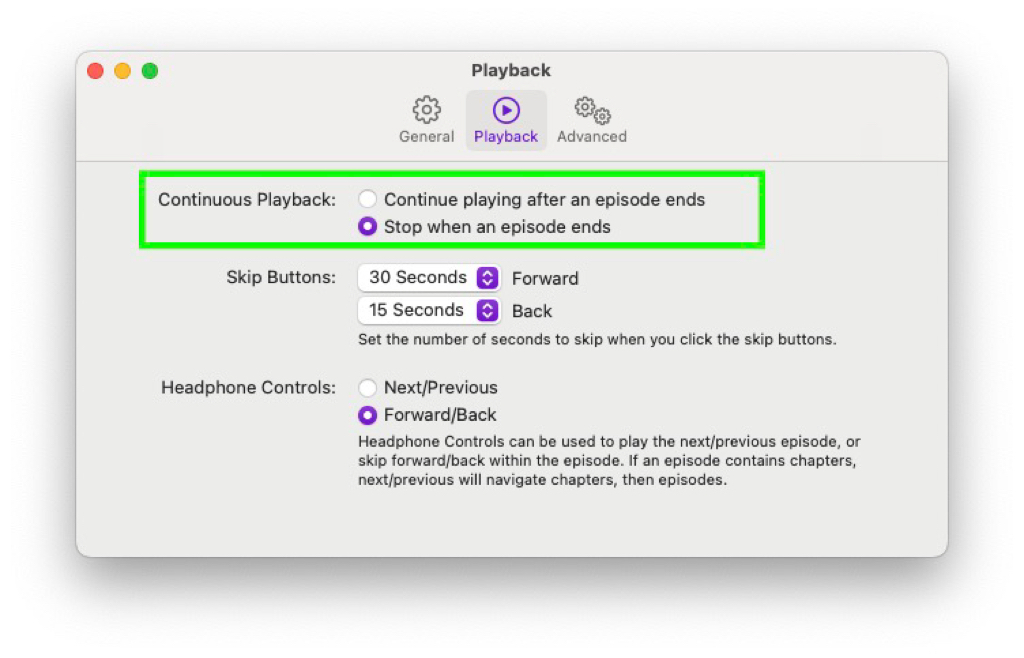
I finally found the options which prevents the auto populating of the queue with new episodes in the Apple podcast app. The name of this option does not make sense, I would expect something else: It stops playing at the end of an episode, but it actually only stops at the end of the queue.
Comments
How to respond
Write your comment on your on page and link it to this page with the following link:
https://vmac.ch/posts/2024-02-15-i-finally-found-the-options-1707970811/
Then insert the permalink to your post into the form below and submit it.
Alternatively you can reach me by email to: comment@vmac.ch