
Below you will find pages that mention the tag “automation”

Found a pizza automat next to our AirBnB this week. Did not dare to try it.
Nice bug? I found today with Apple Mail. When I run an AppleScript rule manually, it reports a message count of 2 instead of 1 for the selected message. Not sure why it happens, and it does not happen when the rules are triggered automatically.
Came home to a failing external hard drive on my old computer. And as it contains my Dropbox folder all my automations stopped working. So should I fix it on the old computer or finally move them over to my new one?
⤑ Automators #147: Smart Home Automation with Robert Spivack - Relay FM.
I’m not alone:
If you do a house where you have three or four or five blinds or shades, when they all completely go up and down, completely synchronized, they’re not all at a half inch off of each other.
Mentioned by their guest around minute 47:30 in this episode. Having blinds not move in locksteps is aggravating.

⤑ Reconstructing ‘Hero’s Automaton’ by hand.
A random recommendation of the algorithm, I wonder why it took it so long to recommend this to me. The craftsmanship and the information is amazing.
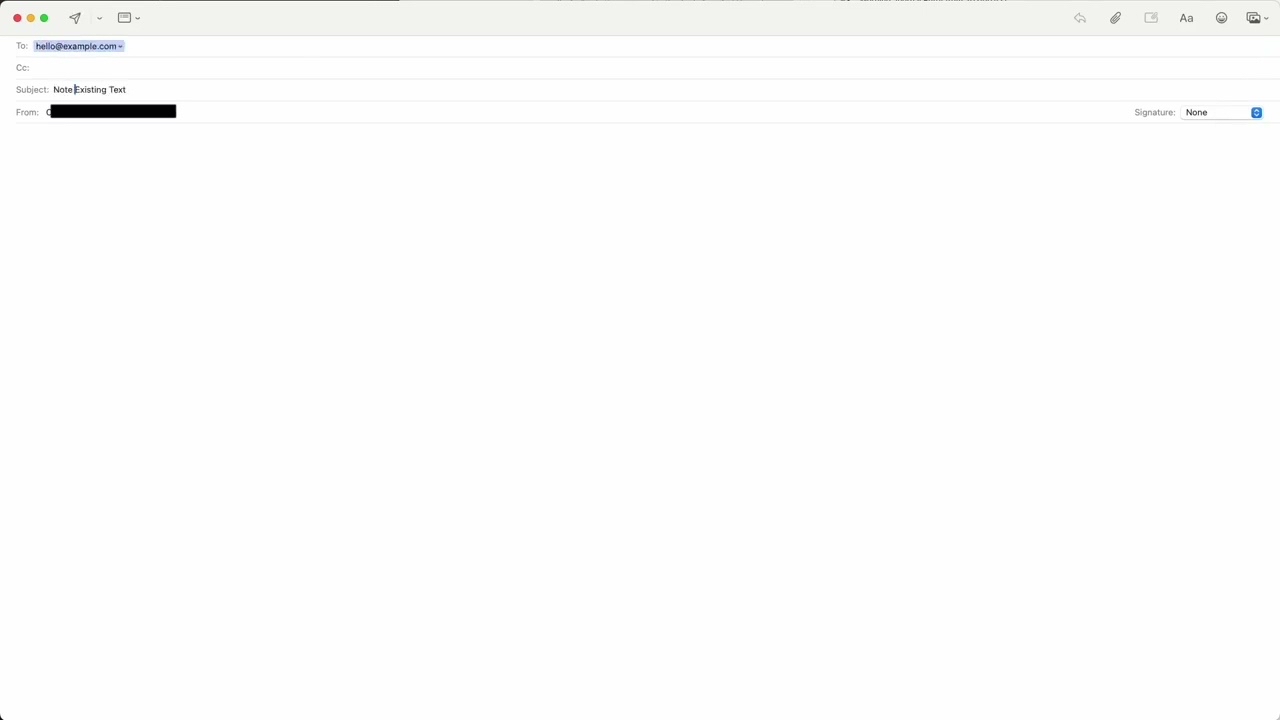
I love automation, this is one of my most used ones. When I want to send an email to myself.
I’m happy right now. I finished my program to download and create a transcript from a given Youtube video. Just give it the video id and it will create a nicely formatted transcript in markdown, html or pdf.
It just took 2.5 days of coding to get it so far. And now it needs a lot of testing with other videos.
I’m so happy with espanso just today again noticed how much time it saves - when you have set it up. I use it a lot when I write about people my surroundings.
For example I can write : pm&m and it gets replaced with M&M ([[persons/marc-example|👤 Marc Example]] & [[persons/matilda-example|👤 Matilda Example]]).
I wonder if it is possible to add custom JS into the Web Apps you can create in the new MacOS. Could not try it myself yet as I have not yet updated.
Does anybody know?

@V_ I’m interested in this as well. Additionally I’d love to be able to add my own menubar items (Electron apps often lack these).
by torb on
Found to further automation which were not working anymore due to moving the Dropbox folder the other day.
A good reminder to document your automations!
Every application should provide a complete automation suite
📝 End-user applications, as well as cloud-based apps, should provide an API to automate all the tasks you can do manually in them.
So I think I’ve fixed all my automation now after moving the Dropbox folder. I have used that path in way to many scripts :-D
Apps without names on the Some Screen
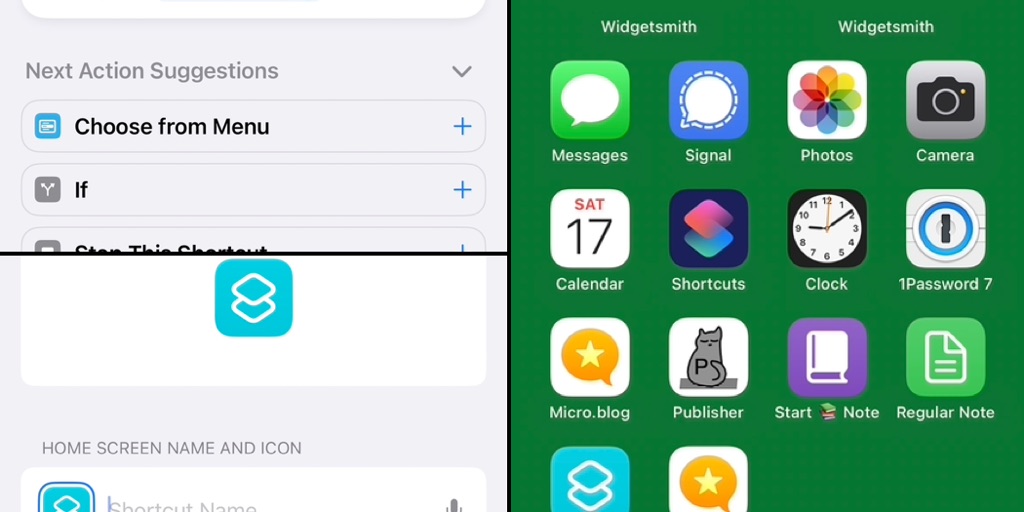
@ndreas asked if it is possible to add icons to the Home Screen without a name. This is a workaround to do it via an Shortcut.
A dynamic list of persons with Espanso
I have a simple CRM tool inside of my digital brain. And when writing notes and mentioning persons I know, I want to link to them instead of writing these links by hand each time. I’ve made simple automation for Espanso. When I type the correct trigger, it will show a list of all persons found in the person’s subfolder from within my notes folder. It will also detract the first line containing the full name and an optional nickname to format the entry correctly.Enter text in multiple fields with espanso
I’ve started to use espanso on my computer to reduce some of my typing needed. One issue that bothered me is that espanso does not support sending tabs to the system. The tool supports tabs as text but sends them so that the system does not interpret them to move to the next text field.
Copy Link to Currently selected Message in Mail
Why we cannot have this feature built into the Apple Mail application, I don’t understand. But here is a simple AppleScript to copy the link to the currently selected email message into your clipboard:
Today I’ve automated our Christmas tree lights to automatically turn on when the sun goes down. And also turn off in the night.
And I extended my blogging app to also create a file in my digital brain each time I start reading a new book.
I love that we are living in the future. Got a bunch of pdfs with text as images and needed to extract some text from it. Luckily Shortcuts has an action for that, and combined with some shell foo; all the files can be OCRd recursively.
I wonder if I should create a script which automatically creates index files in my notes/digital brain.
I imaging a script which collects notes belonging the same tag into a “index” note. The script could run either timed or on file changes in the notes folder (via Hazel).
A daily random note from my brain
To get myself more to think about my notes, I’ve setup automation to send me a random note from my digital brain every day at noon. I hope that when I get an email in my inbox with a random thought, it triggers additional ideas, which I can then write down again. As so far, I was not so good with revisiting old notes I’ve written once. The system has the following components:Automating email sending with SwiftSMTP and launchd
I am unhappy with my email sending automation using AppleScript and the Apple Calendar App. I have been searching for a better solution for quite some time. Sending emails is a complicated problem in 2022 :-).
Wrote an automation script to save me around 15 minute of manual labor per week – it took nearly two whole days.
Not sure why it always is so much work to automate something. The script is not complicated and not so big :-(
It looks like there is an issue with my daily writing prompt automation mechanism. It stopped working the other day, and I just looked at it now and noticed that repeating the calendar event just lost the Alert, which should open the AppleScript. I have no idea how this could happen.
@V_ If that's a call for help, let me know. I have a few videos (including some in Japanese) that I'd like transcripts for. Does it also create hotlinked timestamps as well?
by starrwulfe on
@starrwulfe it was not directly a call for help, but I you provide me with the videoId of the videos you want the transcripts of and an email address (so I can send you the transcript) I can try it out. I suspect it wont yet work, due to my assumptions that the subtitles are english.
by V_ on