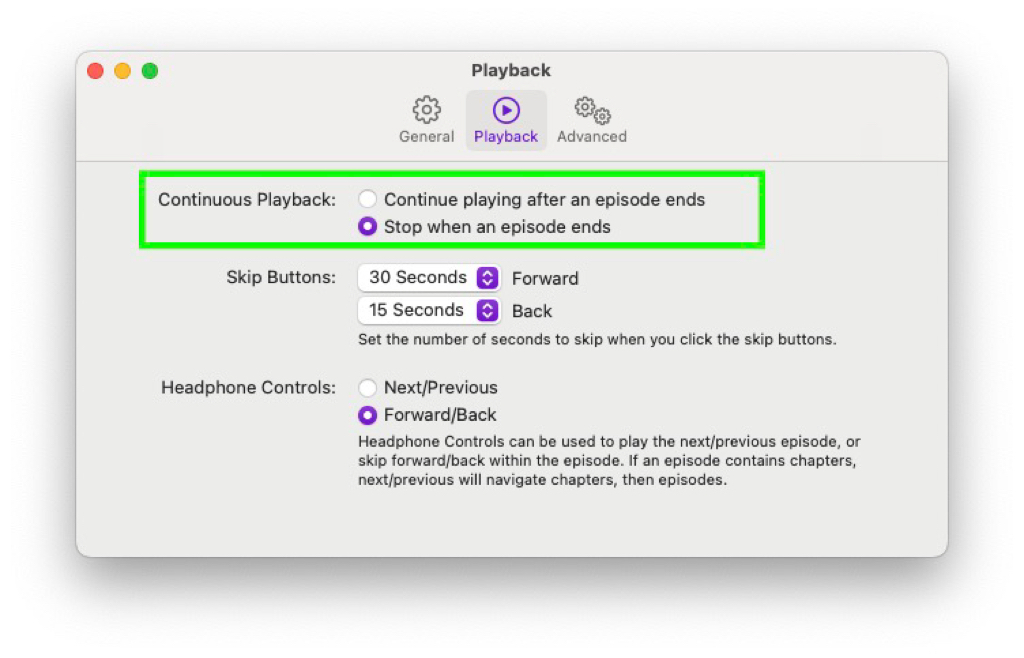
Screenshot of the Apple Podcast settings dialog of the “Playback” tab. One options is marked with a green border, the text reads: “Continuous Playback”, the selected option is “Stop when an episode ends” and the other option (the default) reads “Continue playing after an episode ends”. It also has options for “Skip Buttons” and “Headphone Controls” on this screen.

I finally found the options which prevents the auto populating of the queue with new episodes in the Apple podcast app. The name of this option does not make sense, I would expect something else: It stops playing at the end of an episode, but it actually only stops at the end of the queue.
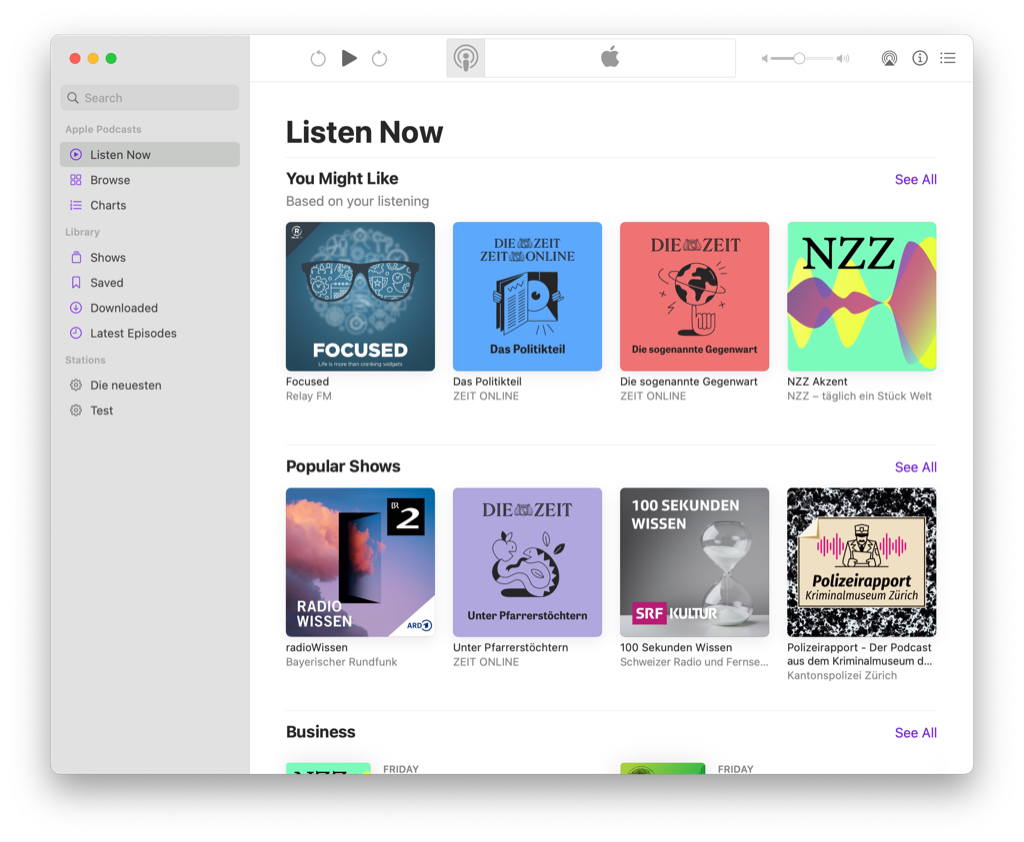
I finally managed to listen to all the podcast episode in my player. There is nothing to listen to anymore. (The image shows a screenshot of the “Listen Now” view of the apple podcast app with no podcasts episodes – only some recommendation for other podcasts are visible).

I finally managed to listen to all the podcast episode in my player. There is nothing to listen to anymore. (The image shows a screenshot of the “Listen Now” view of the apple podcast app with no podcasts episodes – only some recommendation for other podcasts are visible).

Controlling Podcasts, Books and Music via Hotkey in macOS Catalina

I’ve recently updated my computer to Catalina and remembered why I did not do it last year. Due to the split of iTunes into separate apps, the whole Podcasting and Audiobook playback has changed. And now, the media buttons are not working anymore as I would expect them to. As icing on the cake, I also found out that the Podcasts and Books apps are not AppleScriptable, so there is no straight forward fix.

Read 9 remaining paragraphs...